

- By admin
- In Flatscreens
Top 5 Things to Consider Before Mounting Your TV: Expert Advice from San Antonio Technicians
Top 5 Things to Consider Before Mounting Your TV: Expert Advice from San Antonio Technicians
Mounting your TV might sound simple, but skipping key steps can turn your dream setup into a costly mess. From picking the right wall and studs to matching your mount’s VESA pattern, there’s a lot to get right before you drill a single hole. We’ll walk you through the top 5 things every San Antonio homeowner and business should consider before mounting a TV, so you avoid headaches and get the perfect picture every time. Ready to mount it right the first time? Book your on-site assessment with TSGSAN today. https://www.tsgsan.com/
Wall Type and Studs Matter
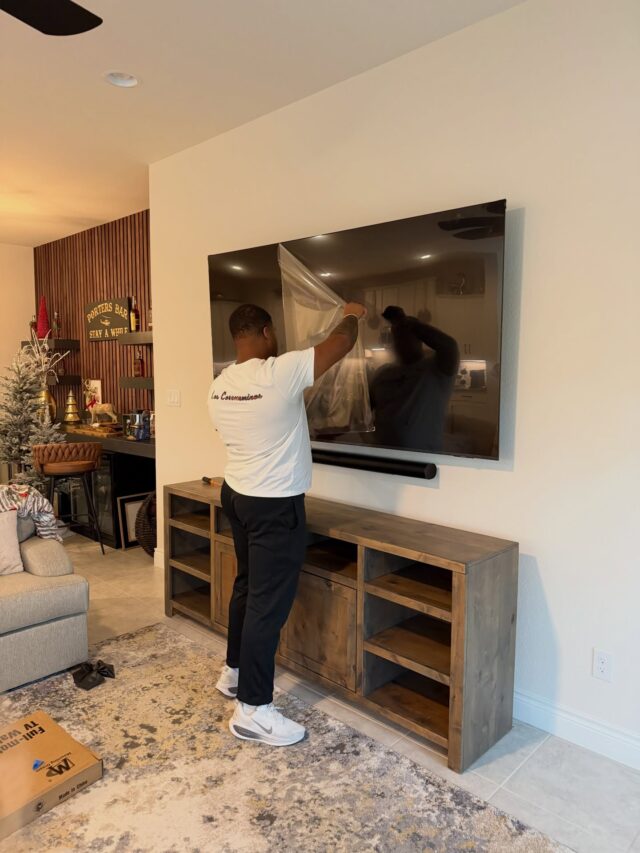
When you’re about to mount your TV, the first thing to consider is the wall type and the studs. If you get this wrong, your TV might not stay up for long.
Checking for Studs
Finding the right spot to hang your TV means finding studs. These provide the necessary support to keep your TV from falling. Using a stud finder is the simplest way to locate these. Here’s what you need to do:
-
Run the stud finder along the wall until it beeps or lights up.
-
Once located, mark the center of the stud with a pencil.
-
Ensure you find at least two studs to securely mount your TV.
If your wall lacks studs or they’re not in the right spot, consider using a proper mount designed for your specific wall type. This will provide the support needed for your TV. Remember, most people think any wall will do, but without proper support, you risk damage.
Wall Material Challenges
Different wall materials come with unique challenges. Whether it’s brick, drywall, or stone, each requires specific tools and techniques. For instance:
-
Brick and stone need special anchors and a hammer drill.
-
Drywall usually requires toggles if studs aren’t available.
Using the wrong method can lead to costly repairs. Make sure you have the right equipment and knowledge before drilling into any wall. For those uncertain about the material, a simple scratch test can help identify it. Remember, most assume brick is the toughest, but often stone poses more challenges.
Optimal Viewing Setup
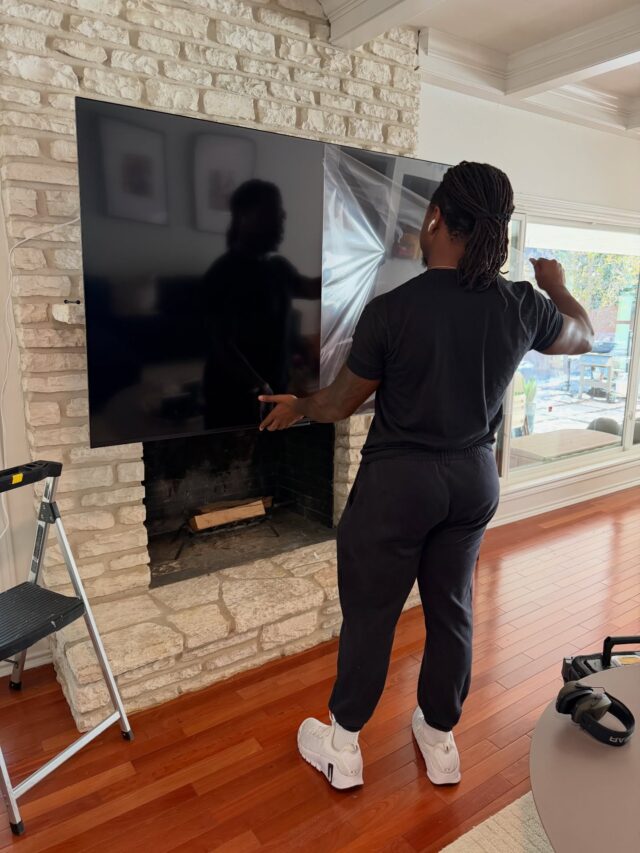
After securing your wall type and studs, the next step is ensuring your setup offers the best viewing experience. This involves selecting the right height and mount style.
Ideal Height and Distance
The perfect TV height can transform your viewing experience. Aim to have the center of the screen at eye level when seated. Here’s how you can find the ideal height:
-
Measure your eye level from the seating position.
-
The middle of your TV should align with this measurement.
For distance, a good rule of thumb is to sit about 1.5 to 2.5 times the diagonal size of the screen away. For example, with a 60-inch TV, sitting 90 to 150 inches away is ideal. Many believe closer is better for detail, but being too close can lead to discomfort.
Choosing the Right Mount Style
Selecting the right mount is crucial for flexibility and comfort. There are different styles to consider:
-
Fixed mounts: Ideal for a simple and clean look.
-
Tilt mounts: Perfect if you need to adjust for glare.
-
Full-motion mounts: Great for corner mounts or larger rooms.
Each style offers unique benefits, so choose based on your room layout and personal preference. Fixed mounts are often cheaper, but full-motion offers more flexibility, especially if you rearrange furniture often.
Power and Connectivity Essentials

To complete your setup, don’t overlook the power and connectivity needs. This ensures your TV functions efficiently without any disruptions.
Ensuring Power and Code Compliance
Safety first: Ensure your setup is code-compliant to avoid hazards. Here’s how to prepare:
-
Check local codes for any specific requirements.
-
Use an in-wall power kit to hide cables safely.
-
Ensure outlets can handle the TV’s power needs.
If you’re uncertain, hiring a professional can save you from potential mistakes. Most think any outlet will do, but overloading can be dangerous.
Planning for Cable and Wi-Fi Needs
A neat setup isn’t just about looks; it’s about functionality too. Here’s how to plan your cables:
-
Cable management: Use trunking or in-wall systems to hide cables.
-
Wi-Fi and streaming: Ensure your router can handle 4K streaming if needed.
For those running multiple devices, consider a smart hub for easy switching. Many assume more cables mean better quality, but often, fewer, well-organized cables work best.
By following these steps, you can ensure a smooth and efficient TV mounting process. For those eager to get started and avoid potential pitfalls, consider reaching out to professional installers like the team at TSGSAN. They offer expert advice and installation services tailored to your specific needs. With years of experience and a focus on customer satisfaction, they’re the go-to choice for San Antonio residents looking to enhance their home entertainment experience.